Visual & Design · Lynk&Co
Lynk&Co HMI
Instrument cluster UI exploration — concept screens for the in-car driver display.
- HMI design
- Instrument cluster
- UI/UX
- Automotive
01 · CSD Layout
Brand as canvas
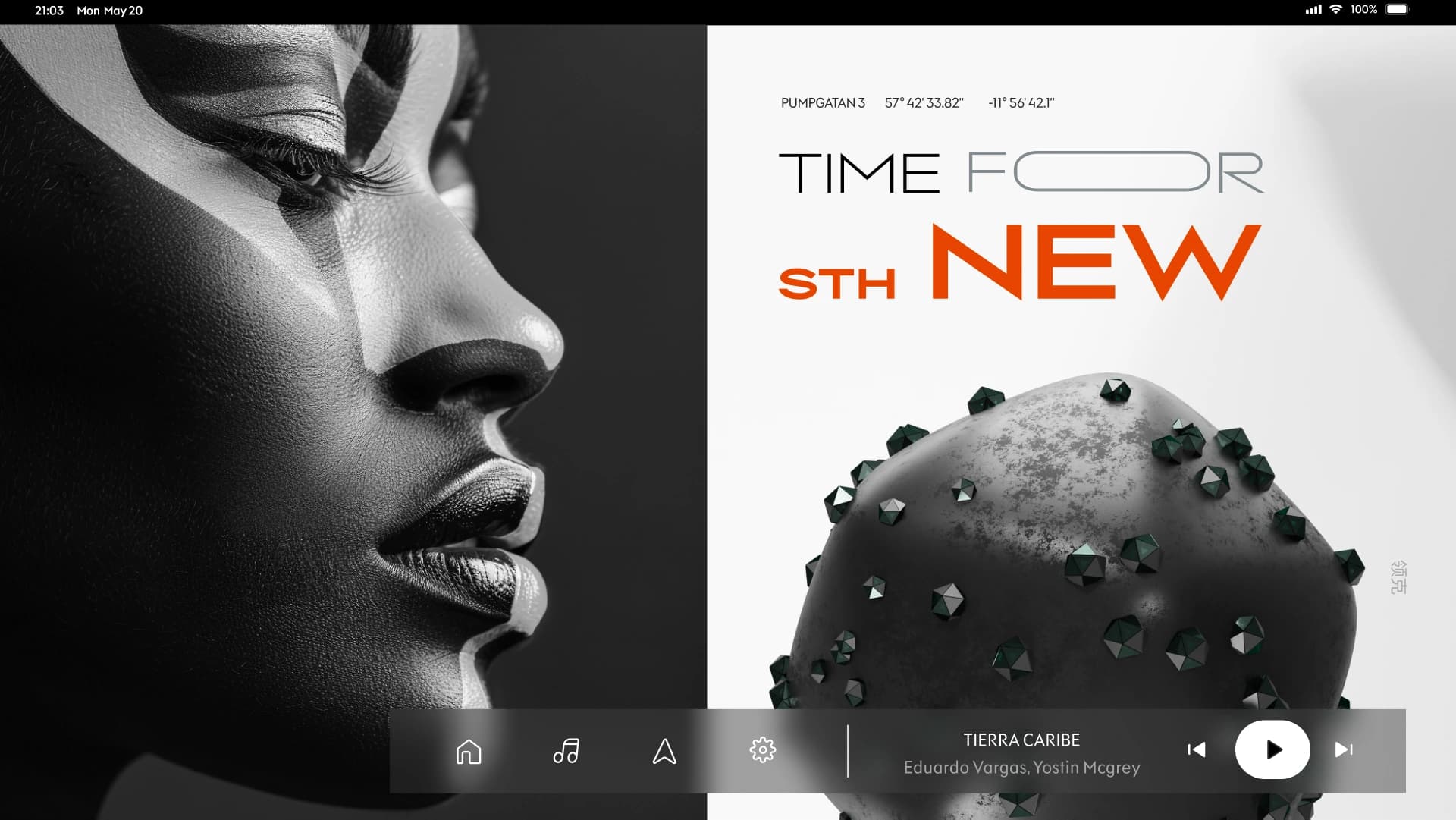
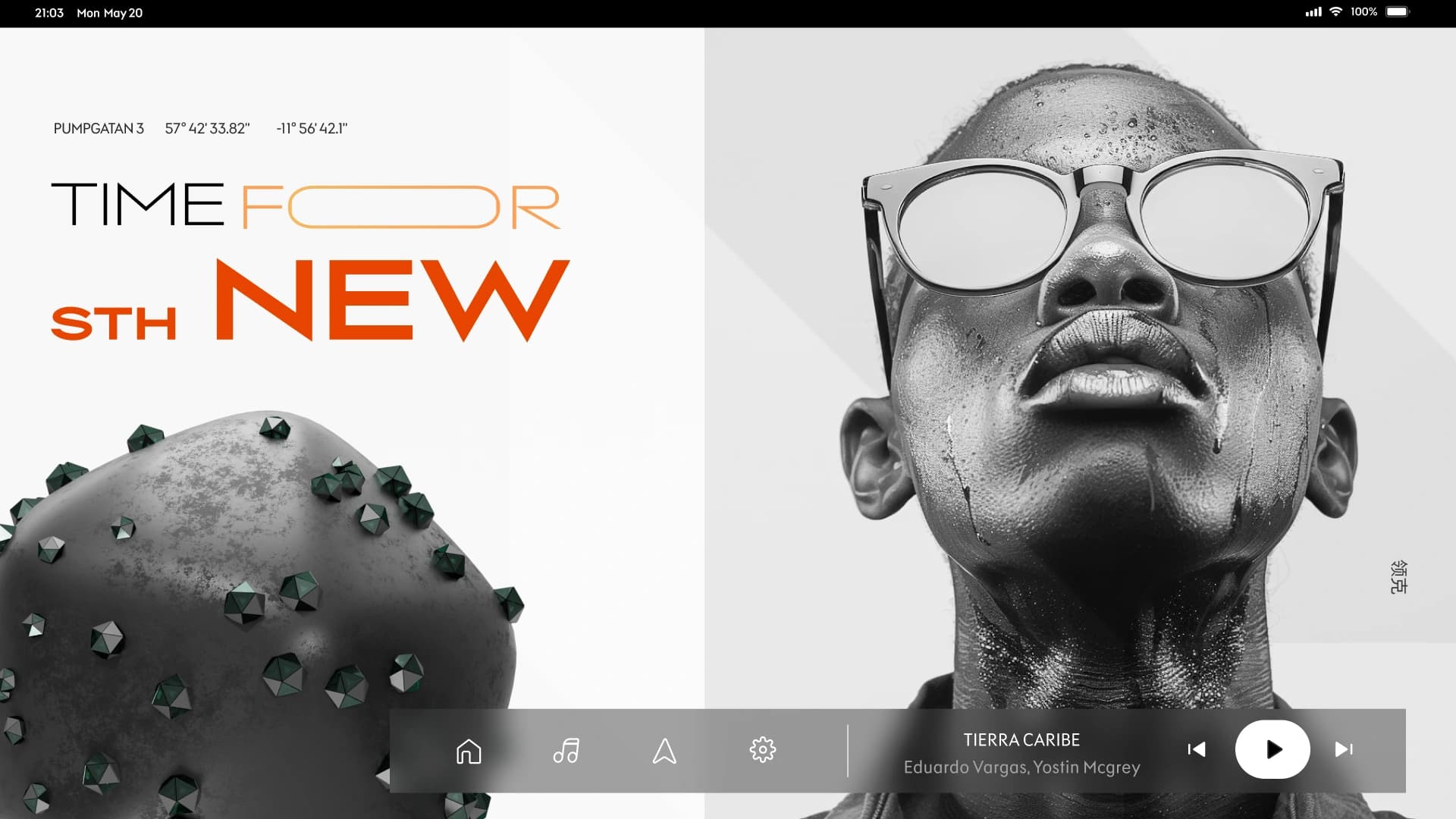
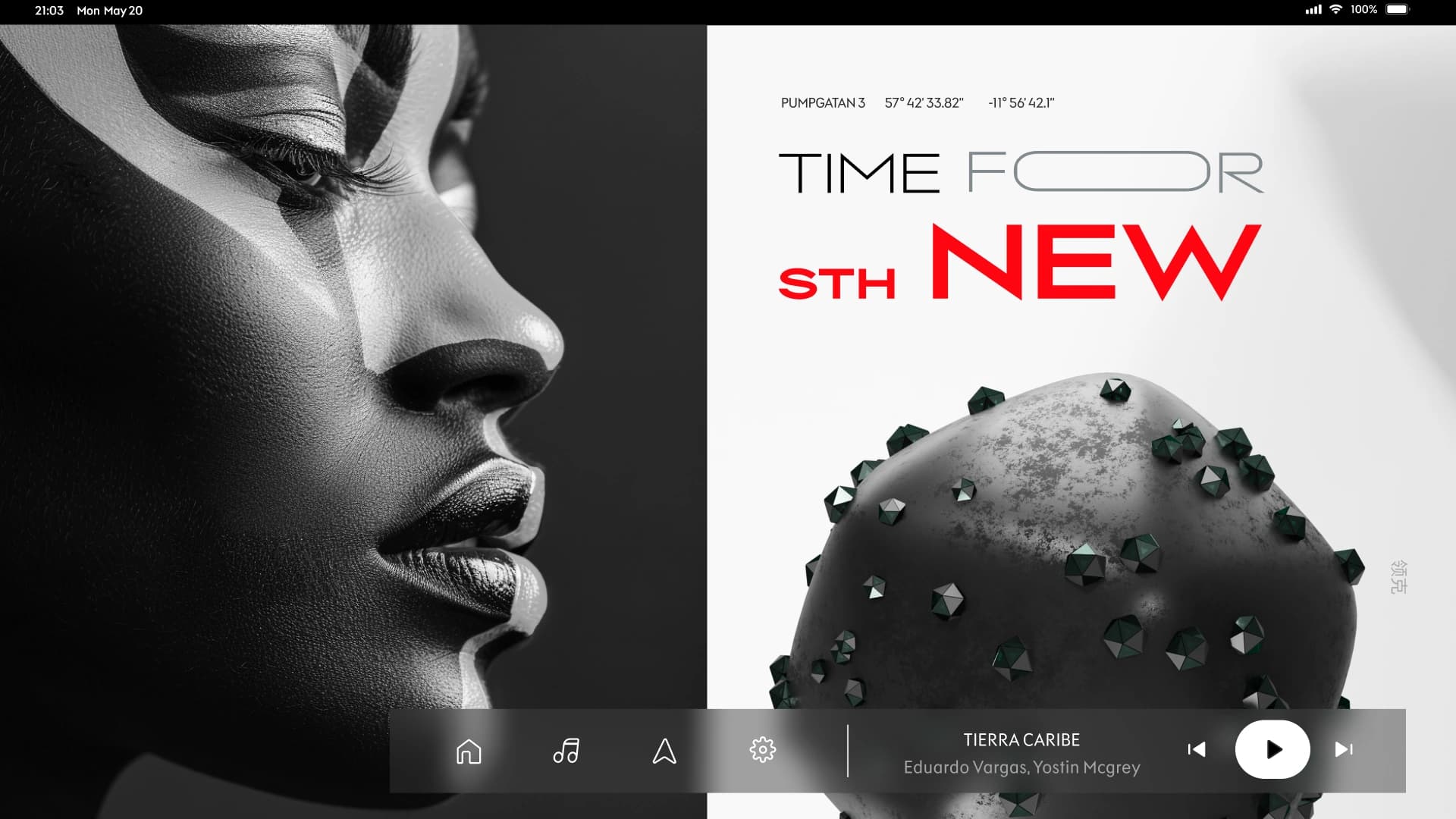
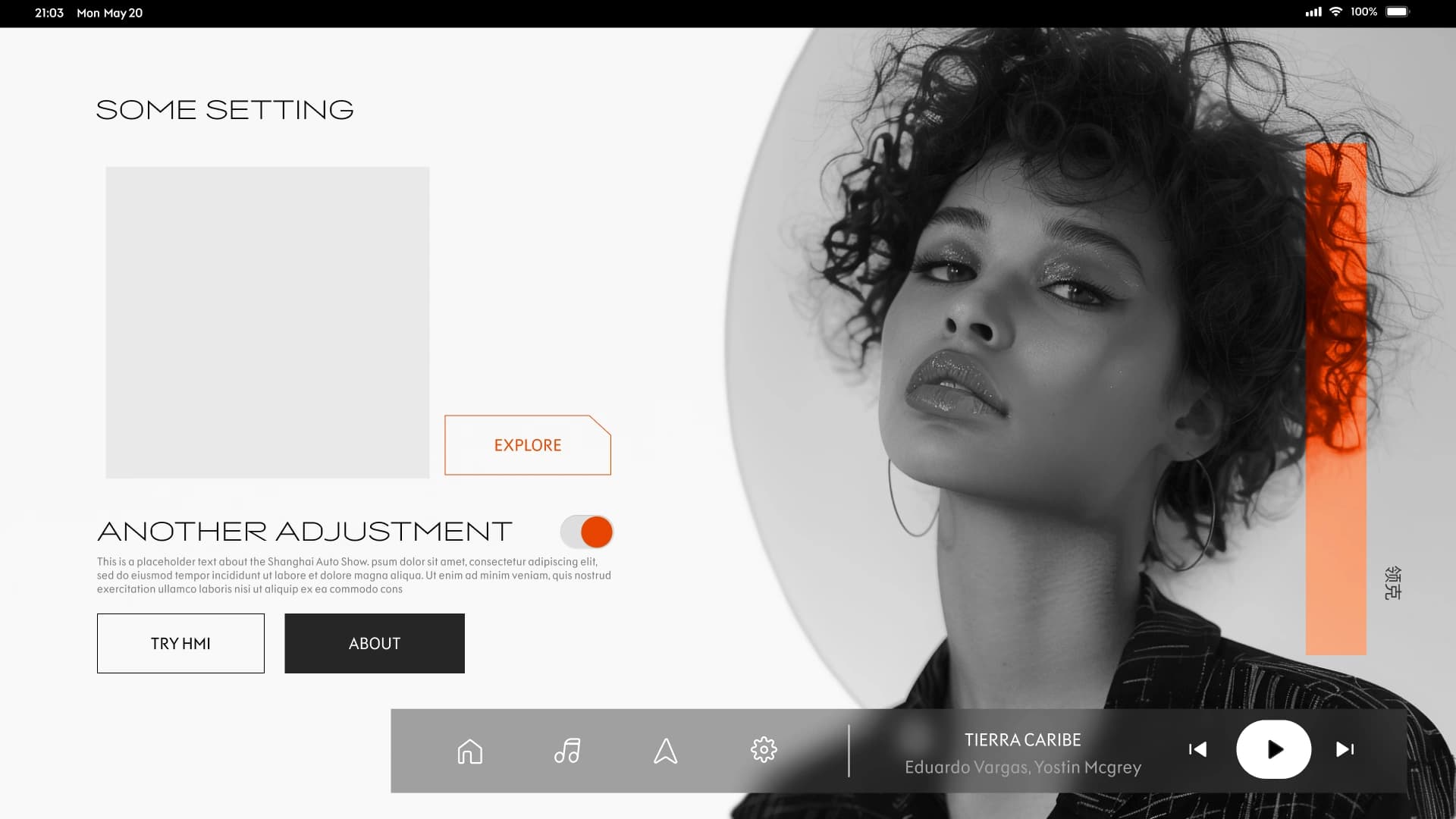
The Center Stack Display explorations leaned into the brand's fan community — vehicle surfaces used as backgrounds, fan imagery layered into the interface. The interfaces feel less like a dashboard and more like an extension of the brand's social presence — informative when needed, brand-resonant the rest of the time.
Primary state
Driver display overview
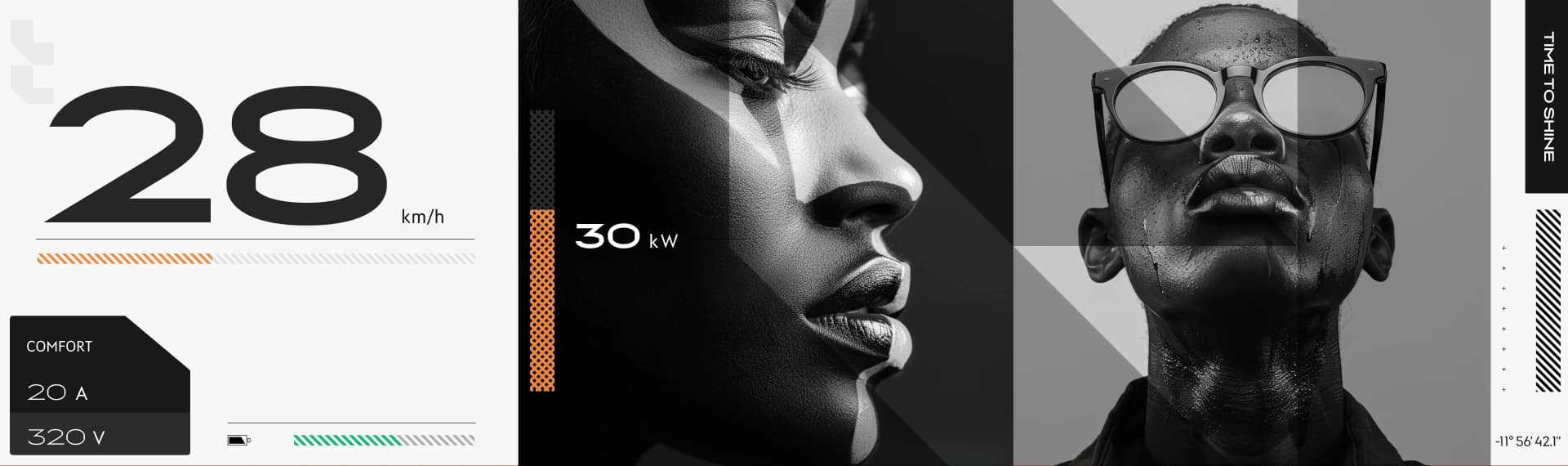
The default state — speed, range, navigation hint, environment context. Type sized for road-glance distance; brand accent reserved for state changes only.
02 · DIM Layout — brand belonging
Owners and fans, carried into the cockpit
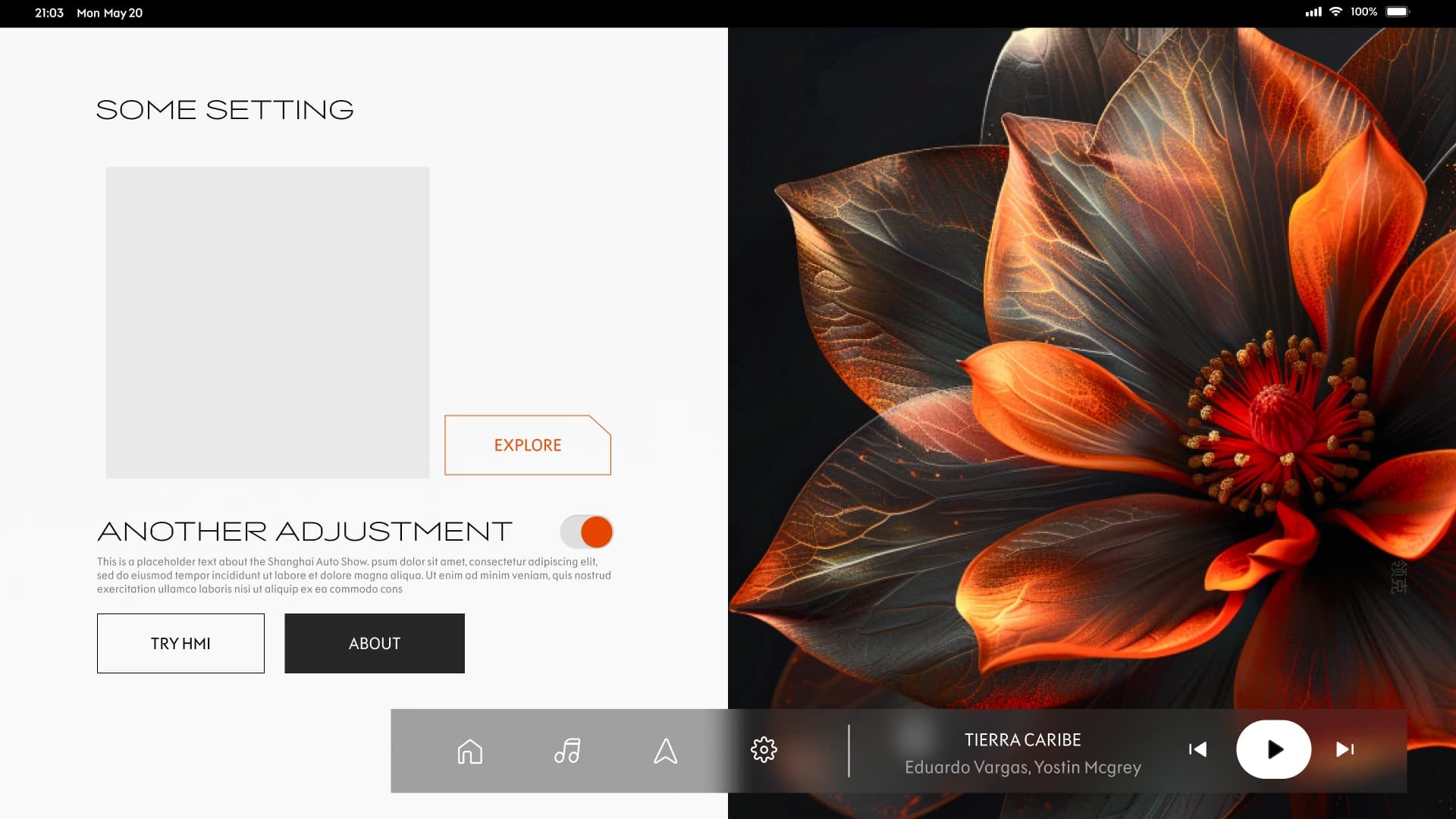
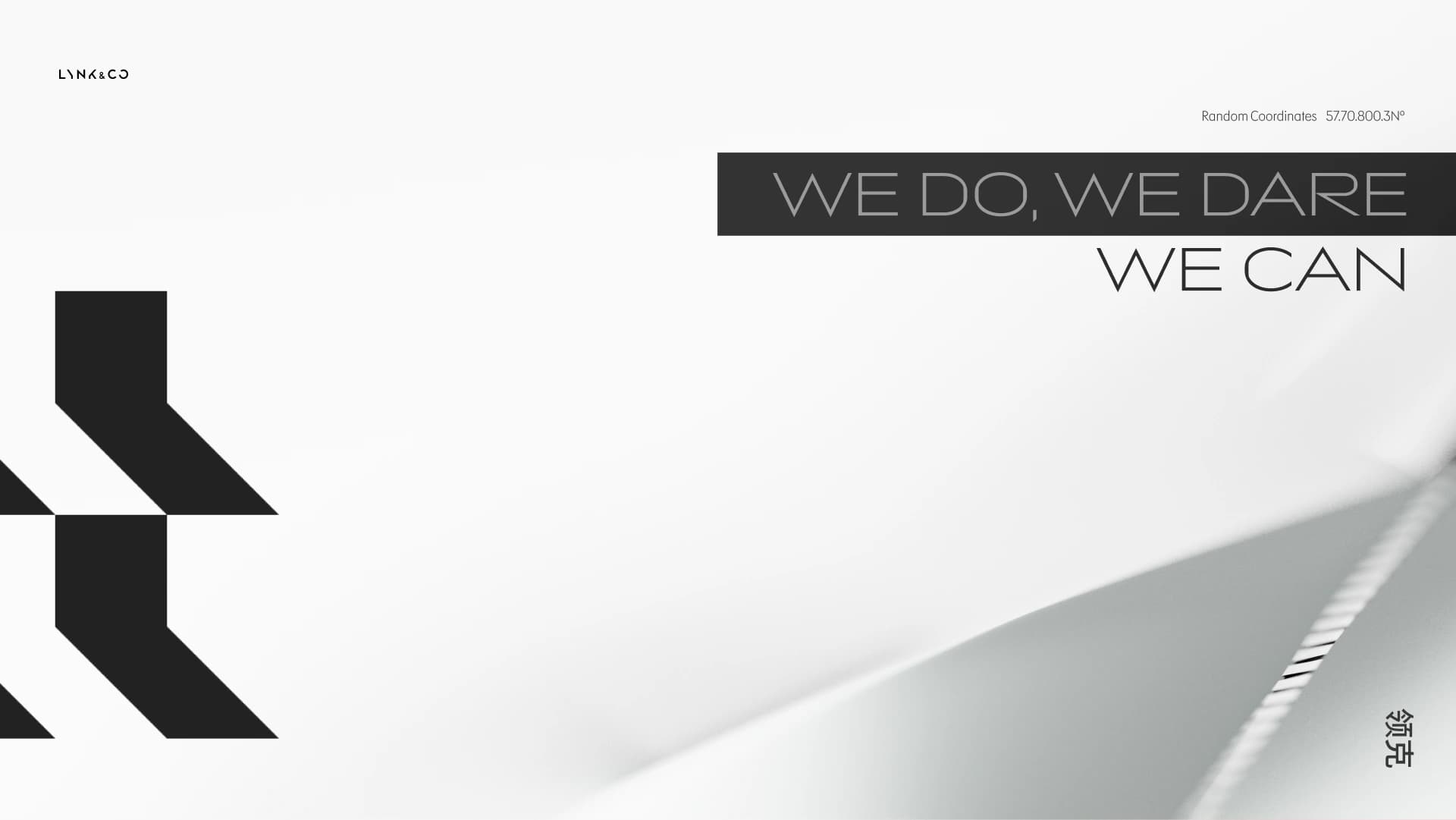
The wider Lynk&Co work is about belonging — owners, potential owners, and fans seeing themselves inside the brand, both in the products and in the media around them. The DIM carries that into the cockpit using classic Lynk&Co brand elements: sharp angled corners and one or two accent colours pulled against a quieter base, so visual hierarchy and clarity hold at road-glance distance. This first study uses a neutral canvas — the accent colours land only on what the driver needs first.
Theme stress-test
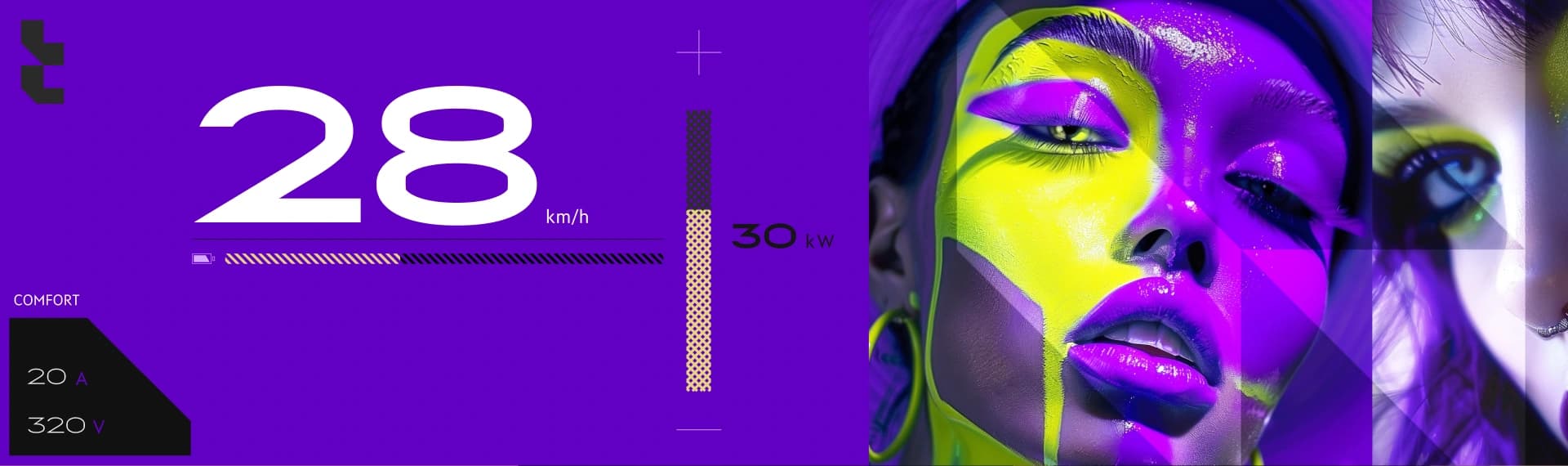
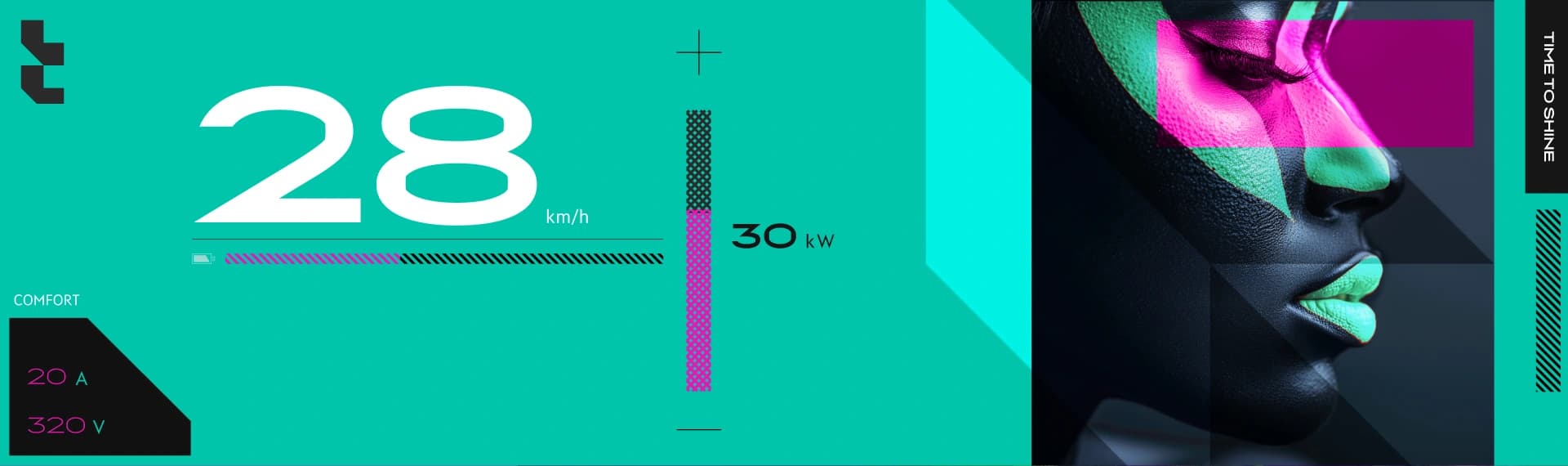
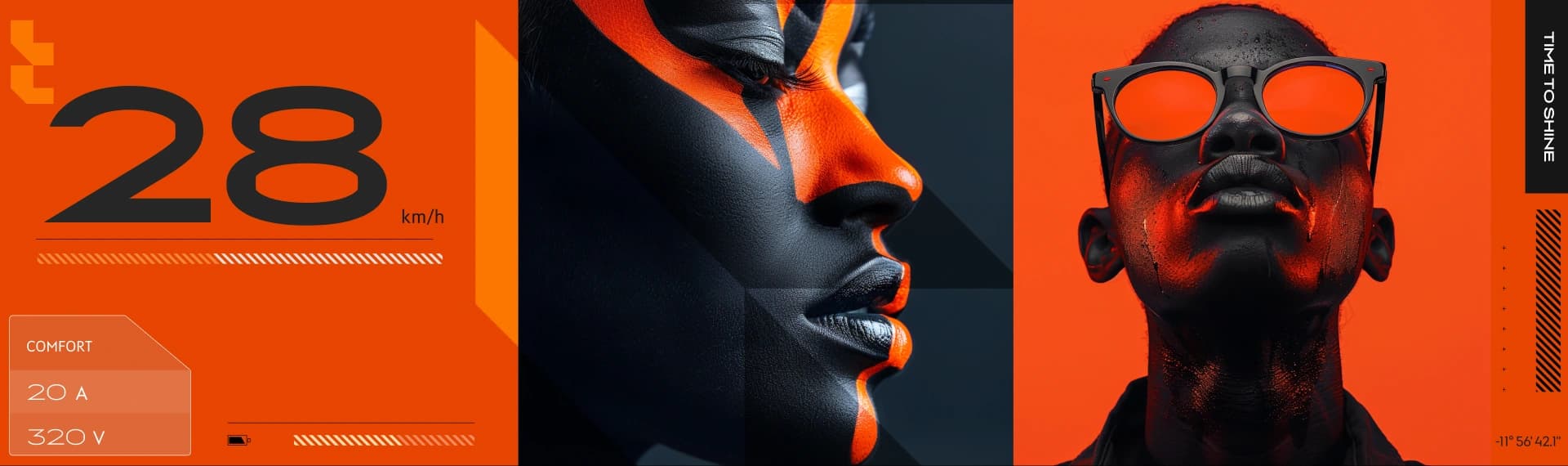
Holding hierarchy under loud base colours
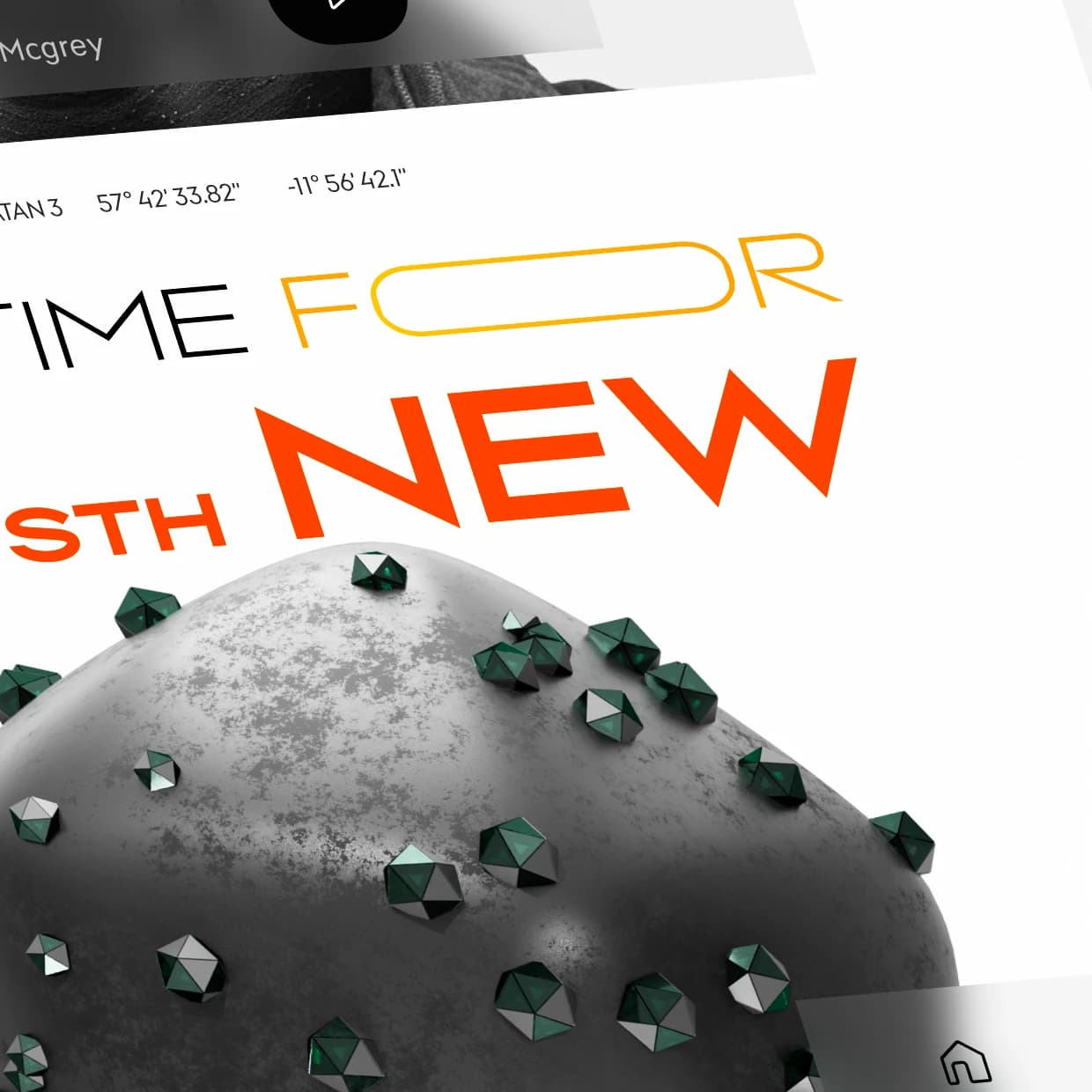
The same brand language pushed against very strong base colours — testing whether the road-glance hierarchy and clarity survive when the canvas itself is saturated. Same sharp-corner system, same accent logic, turned up.
03 · Sub-brand exploration
A playful surface for first-time owners
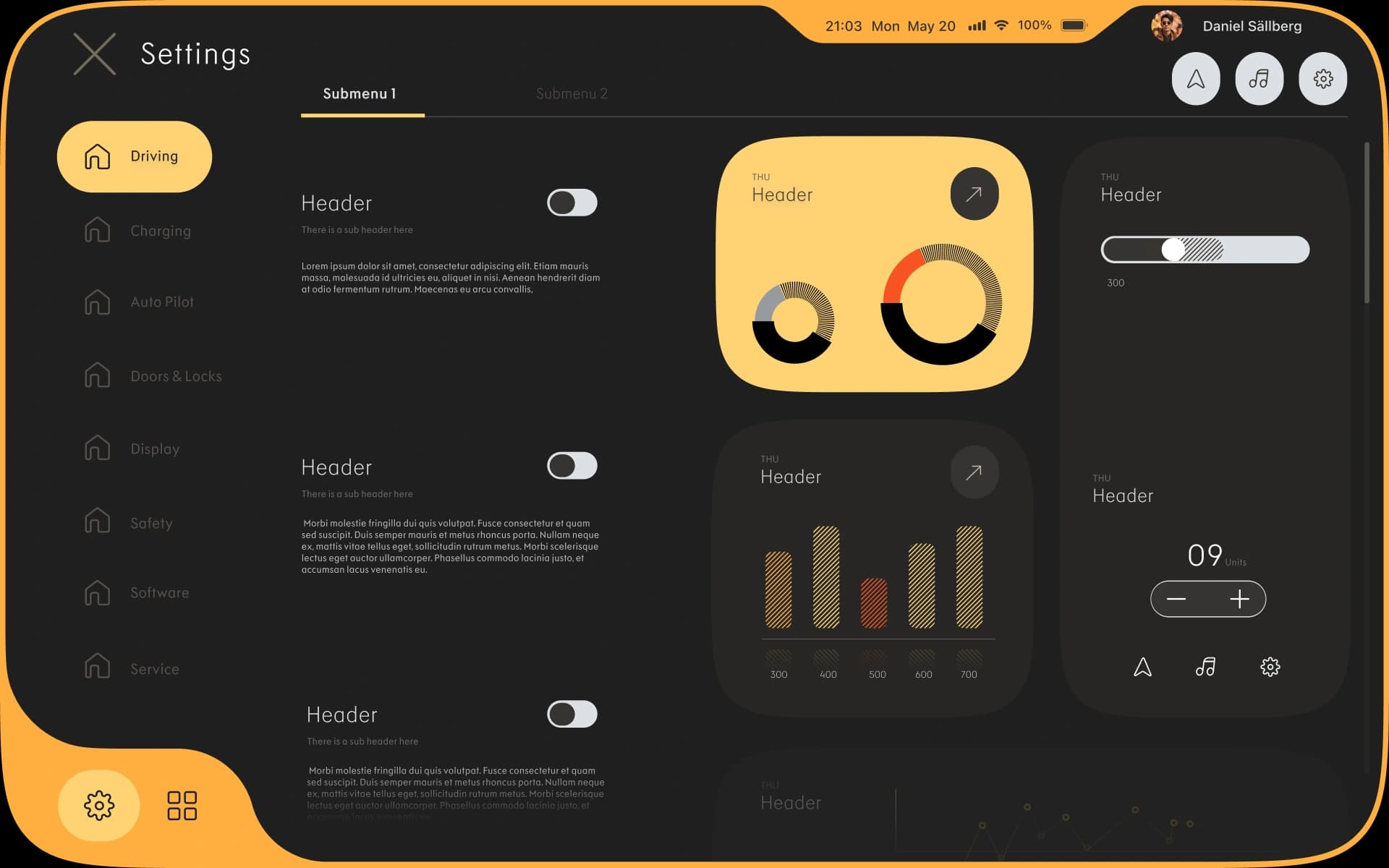
A parallel exploration: a small-car sub-brand aimed at first-time car owners. The interface gets a more playful surface — looser hierarchy, brighter accents, less utility-first than the main Lynk&Co theme — so the car reads as approachable from the moment the screen wakes up.
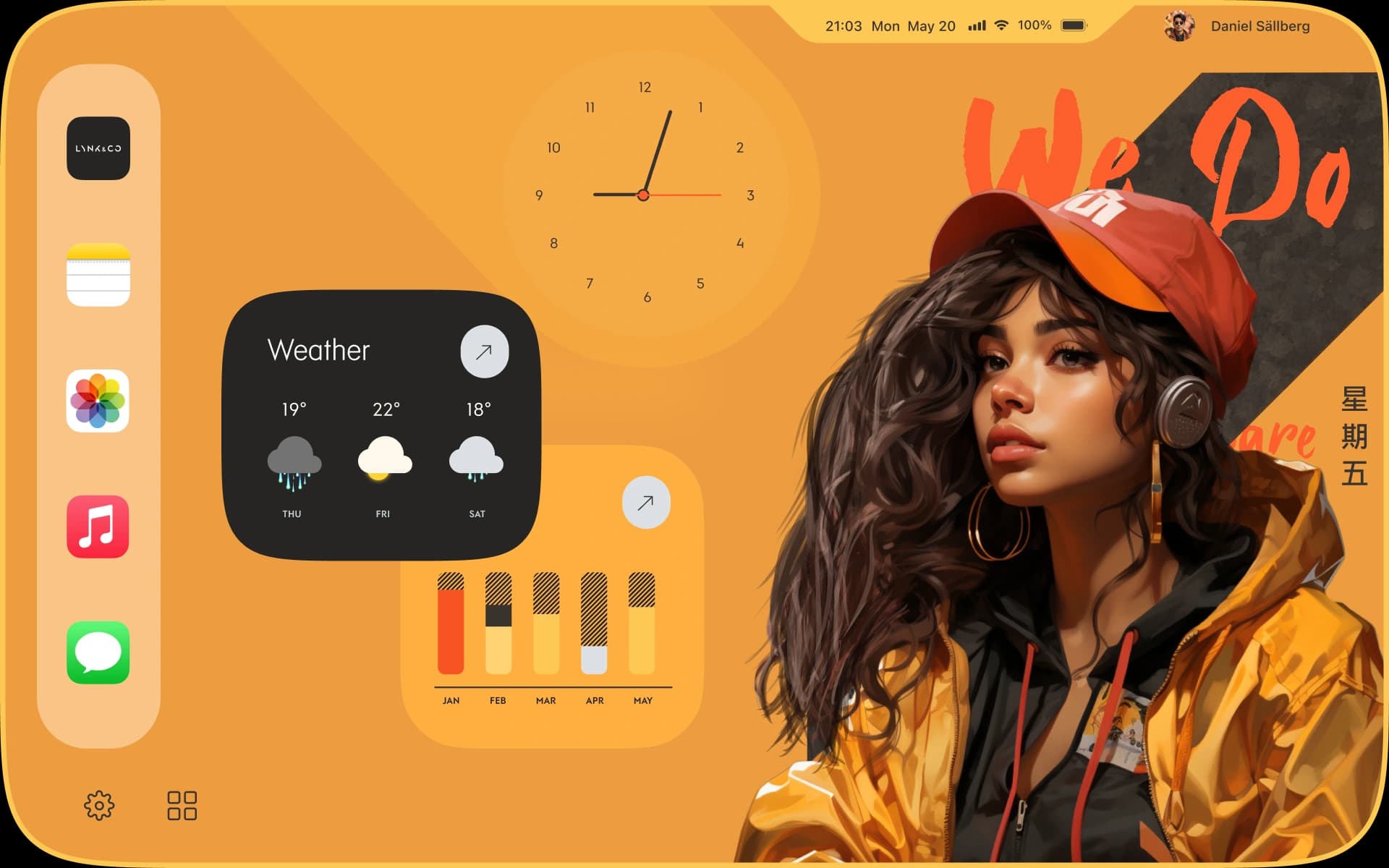
04 · Theme exploration
Distinctly different palettes
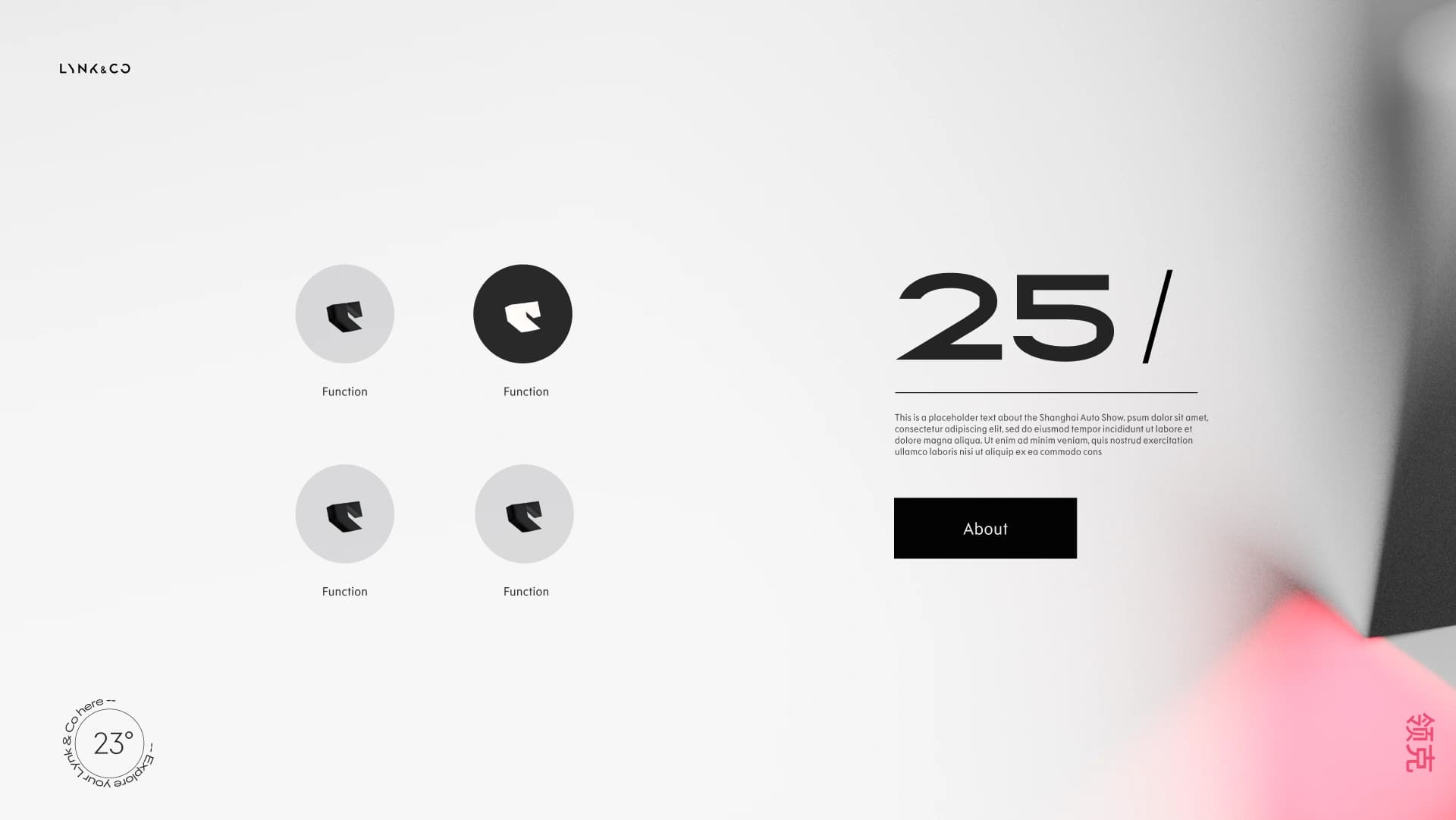
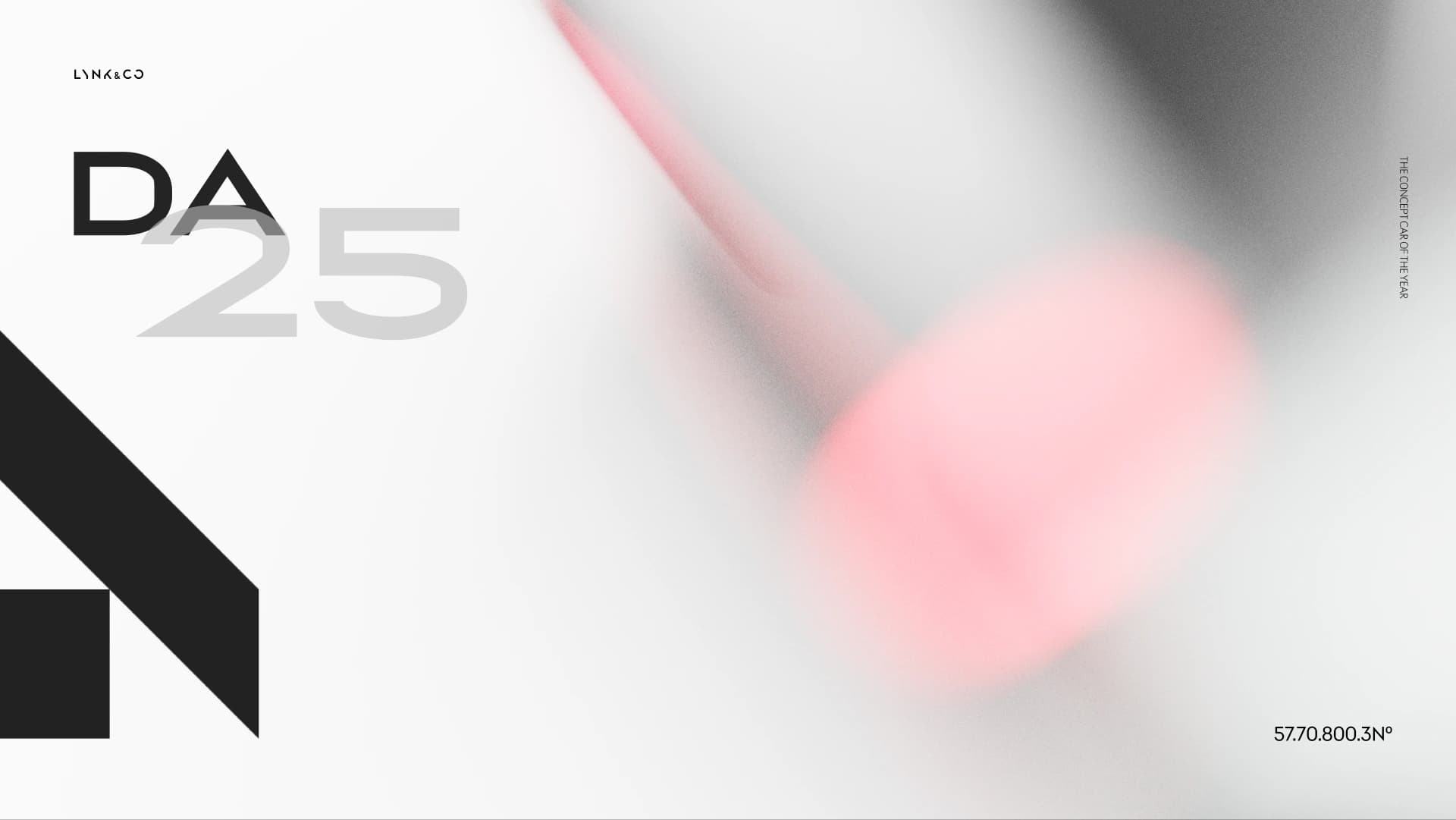
The same layout pushed through distinctly different colour palettes — testing how the brand identity travels across cooler and warmer tones, neutral and saturated systems, and how each holds up against in-cabin lighting at different times of day.
05 · Virtual assistant
Visual voice
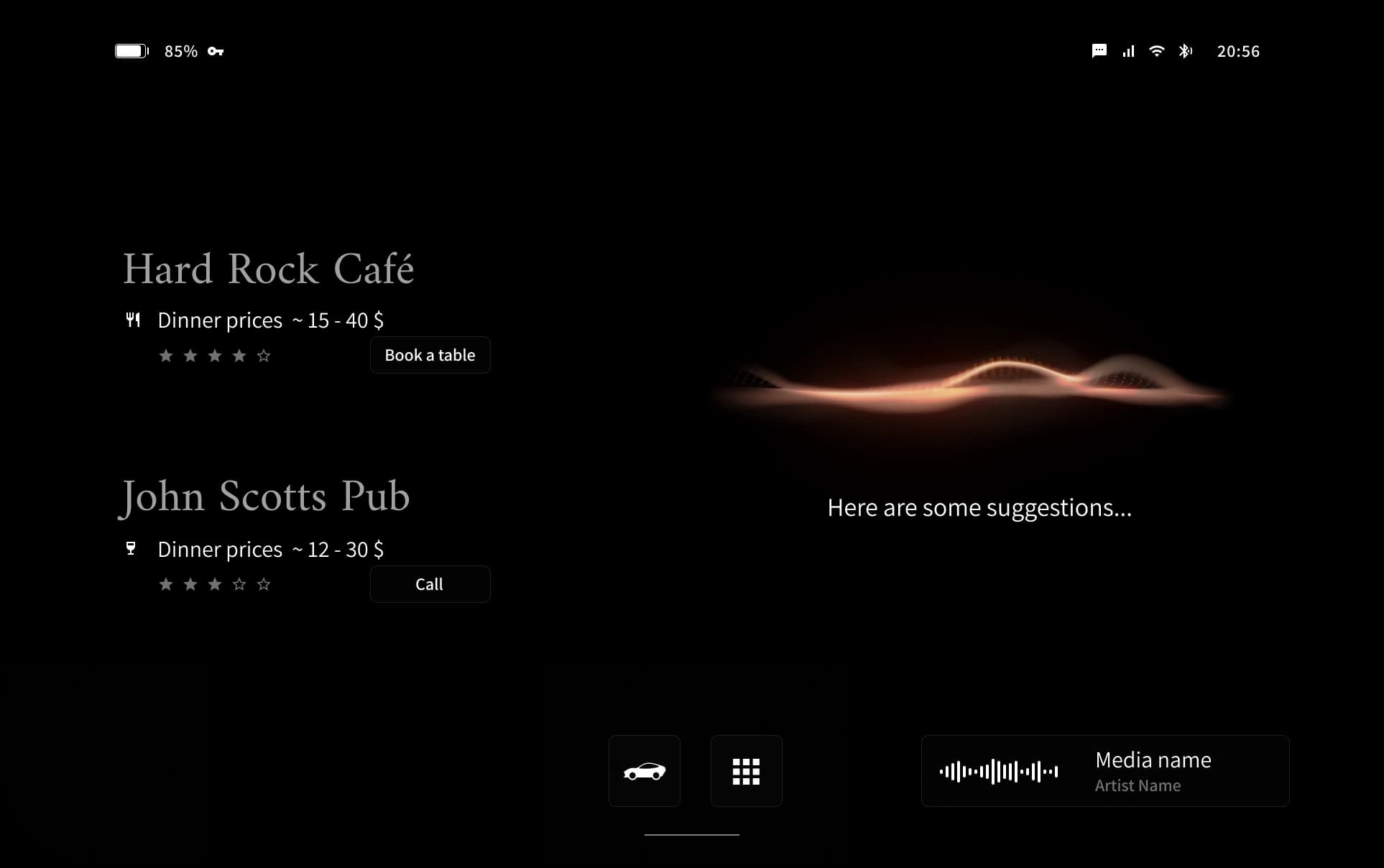
The in-car assistant isn't just a voice — it has visual cues. A visual language was sketched and animated to give the assistant presence: warm tones, fire-like motion, low-frequency pulse. The visual layer strengthens the assistant's character and gives the driver something to look at instead of an abstract waveform.